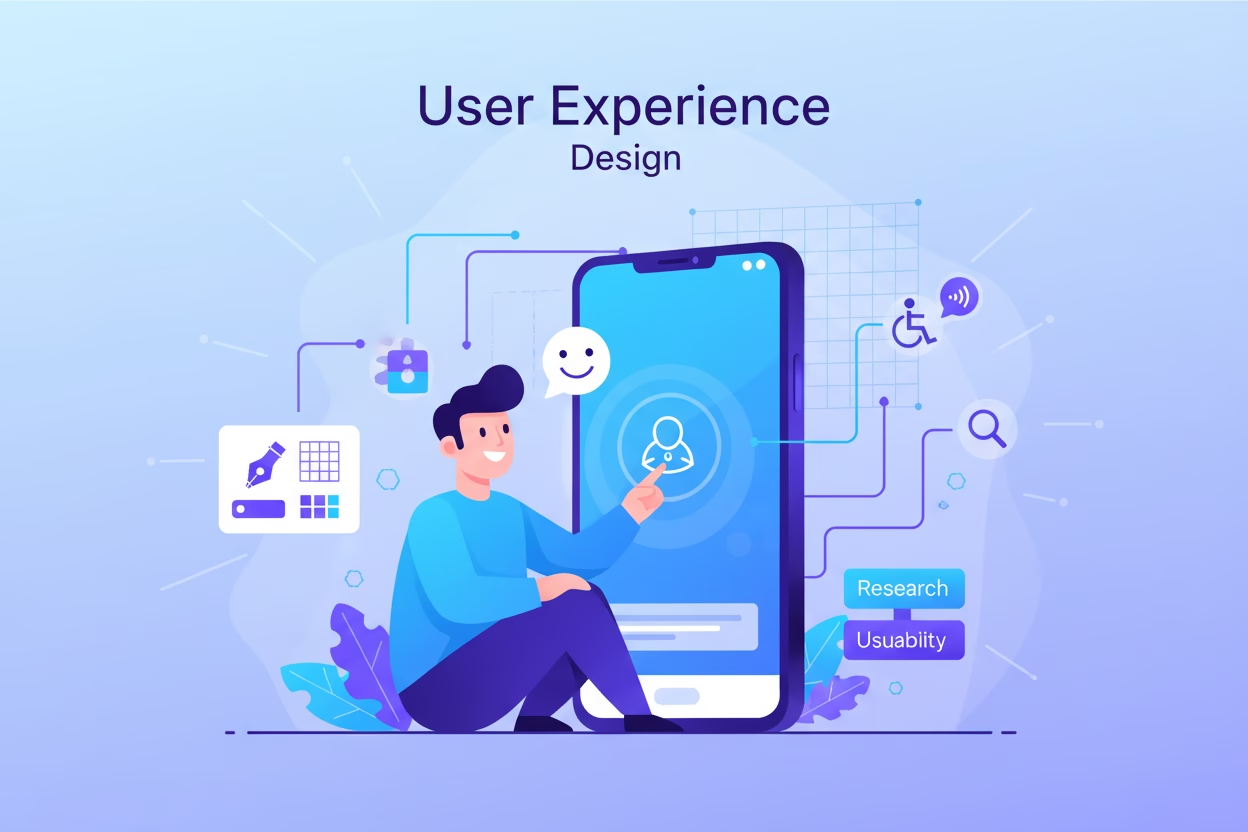
UX is how a person experiences a website or app. Each click, scroll, and form action shapes that feeling. A smooth path means the design works as planned.
Clear paths help users find what they need quickly. Confusing steps slow them down or cause them to leave, which makes friction reduction important at every stage.
Clear paths help users find what they need quickly. Confusing steps slow them down or cause them to leave, which makes friction reduction important at every stage.
Many teams delay UX until after the build. This leads to fixes that cost time and effort. Early UX planning helps prevent these issues.
UX directly affects results. Better flows lead to more completed actions. Poor flows lead to drop-offs.
Forrester Research reports up to a 400% lift in conversions. This shows the impact of a clean and simple flow. UX can play a major role in whether users stay, act, or leave.
UX vs UI: Understanding the Difference
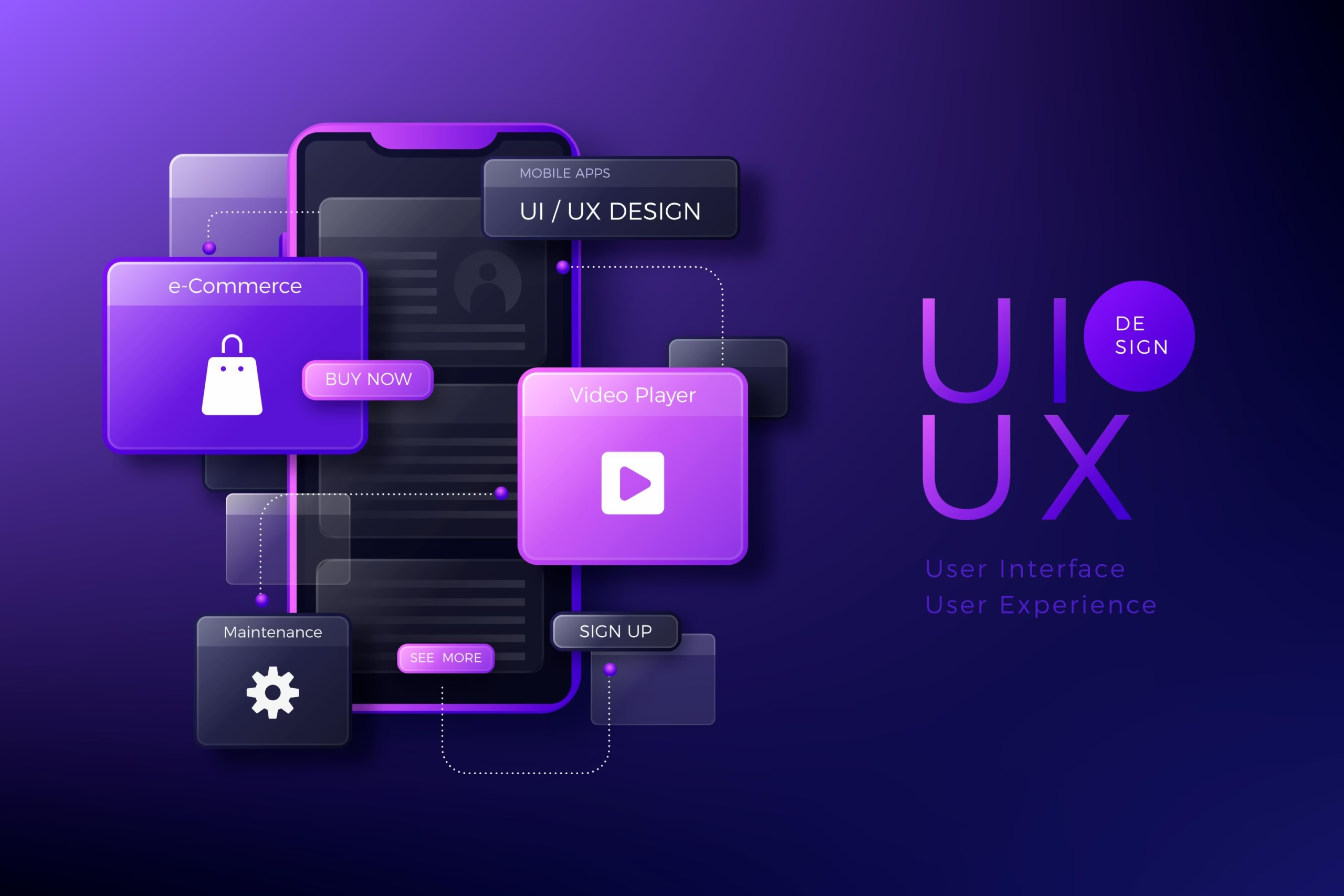
How do UX and UI differ? They serve different purposes, require different skills, and operate at different stages of product development. One is about solving problems. The other is about presenting solutions. Neither works well alone.
Focus: Experience vs. Interface
UX covers the full user journey and satisfaction. UI focuses on visual elements that users see and use. UX focuses on solving user problems. UI focuses on how the interface looks and feels.
Process: Research vs. Execution
UX involves research, wireframes, and journey maps. UI sets colors, text, layouts, and interactive parts. UX builds the blueprint. UI paints the walls.
Scope: Whole Journey vs. Surface Layer
UX covers every step from the first click to the final action. UI focuses on what appears on screen. UX manages the full flow. UI shapes how it looks.
Skills: Strategy vs. Craft
UX designers rely on research and testing. UI designers focus on color, typography, spacing, and layout.
Output: Frameworks vs. Visual Assets
UX makes user flows, simple sketches, test versions, and reports. UI makes detailed designs, style rules, buttons, icons, and final screens.
What Does a UX Designer Do?

What is a UX designer? Simply put, a UX designer shapes how users experience a product, from the first click to the final task.
-
User Research
UX designers observe how people use products and identify points of confusion to improve the experience.
-
Persona Development
Research turns into user personas. Each one reflects a key user type with goals, motivations, and traits to guide design decisions.
-
Information Architecture
Content gets structured before design starts. Navigation, page order, and user flows are mapped to keep tasks clear and simple.
4- Wireframing
Wireframes act as basic layouts for each screen. They focus on structure and function, not visual design.
5- Prototyping
Prototypes make screens clickable. They show how the product flows and how users interact with it.
6- Usability Testing
Real users test the product. Feedback shows problem areas. Designers improve the experience based on real behavior.
The UX Design Process
Step 1: Research
This stage identifies user needs and behaviors through interviews, surveys, and competitor analysis, using data to guide design decisions.
Step 2: Define
Review the research, group the findings, build user profiles, and map the user journey. This helps the team identify the real problem and stay on track.
Step 3: Ideate
Choose the strongest ideas, build simple models to test, keep what works, and remove what does not.
Step 4: Design & Prototype
Turn wireframes into clickable prototypes, often using tools like Figma. Test versions show how the product works. Teams review and fix issues before development.
Step 5: Test & Validate
Test designs with real users. Identify issues. Run A/B tests. Refine based on the results.
Step 6: Launch & Iterate
Hand off designs with clear notes. Observe user behavior post-launch. Improve continuously. UX never stops.
Key UX Principles That Guide Effective Design

User-Centricity
UX starts with user goals. Every choice should come from real user needs and behavior.
Consistency
Consistency cuts confusion. Layouts, labels, and navigation stay the same across the site. Users move through pages without guessing.
Hierarchy
Hierarchy shows what matters most. Size, contrast, and placement guide attention to key elements first.
User Control
Let users undo, cancel, or go back. Mistakes happen. Recovery should be quick and simple.
Accessibility
Make your site work for everyone. That includes people who cannot see well or use a mouse. It is good for business. It is also the right thing to do.
Clarity Over Cleverness
Users should never guess what a button does or where a link leads. Clear design always beats clever design.
Common Misconceptions About UX

Many businesses still believe common myths about UX, and those assumptions can cost them money.
UX is the same as UI.
UX covers the whole user journey. UI is just what users see on screen. One is how it works. The other is how it looks.
UX is a luxury only big companies can afford.
Some small businesses assume good UX is too expensive, but even a simple usability test can reveal problems worth fixing.
A quick test version can reveal more than months of guessing and help small businesses fix problems before they become expensive.
Good visuals are enough for a great experience.
A nice-looking screen does not help if users cannot do basic things. Visual design supports usability but does not resolve structural or functional issues. Every button must be clear and easy to use.
UX is a one-time project.
Some organizations treat UX as a one-time project, checking it off at launch and never revisiting it. That approach fails. User needs, behaviors, and expectations shift constantly.
New devices emerge, and user behavior changes. What worked before may not work now. UX requires ongoing attention and iteration.
Users always know what they want.
Blindly trusting user feedback is risky. Users often struggle to explain what they truly need. Most just want small tweaks to what exists.
Nielsen Norman Group found that interviews uncover fewer usability issues than actual testing. Watching what users do reveals more than asking what they want.
UX design is just about digital products.
UX extends far beyond screens. Any product or service involving a user creates an experience. Industrial design shapes how people interact with physical objects.
Branding influences user perception. Service design maps every touchpoint across a business. UX applies wherever people interact with a product, digital or otherwise.
Usability testing requires dozens of users.
Teams wait to test because they think they need many people. That is incorrect. Nielsen Norman Group’s model suggests that testing with five users can uncover about 85% of usability problems in a focused test with comparable users.
Nielsen Norman Group’s model suggests that testing with five users can uncover about 85% of usability problems in a focused test with comparable users.
Final Thoughts
UX defines how users experience a product by shaping clarity and overall interaction quality. Good UX removes friction and supports business goals.
Improving UX is a strategy, not a visual update. Straight4Ward Consulting & Marketing uses research and real user behavior to design better experiences that perform.
Better UX leads to better results. Clear structure, tested decisions, and ongoing improvements build products that users trust and return to.
Ready to Fix What’s Costing You Conversions?
UX problems are rarely obvious from the inside. They show up in analytics as bounce rates, abandoned carts, and short session times. Clear insight comes from structured analysis of user behavior.
Straight4Ward Consulting & Marketing covers website design, SEO, content strategy, and copywriting to turn visitors into customers.
If your site is getting traffic but not producing the results it should, that’s a fixable problem.
Schedule a consultation with S4 Marketing to identify where your funnel is losing people and what it would take to fix it.
FAQs?
How UX Is Measured
UX measurement tracks how users behave. It checks if tasks get completed, how long they take, and where errors happen. Surveys like SUS and CSAT capture user feedback. These signals highlight where a product works and where it fails.
What’s the Role of UX Writers and UX Research?
UX writers write every word users see on screens. This includes button labels, error messages, and instructions. UX researchers interview and test with real people to uncover what users actually need. Together, they replace guesswork with clarity and prevent expensive design mistakes.
How UX Connects to SEO and Content
UX and SEO overlap through page experience factors like page speed, mobile usability, clear structure, helpful content, and internal links. Poor UX can make users leave quickly, while strong UX helps visitors find what they need and take action.
UX and SEO overlap through page speed, mobile usability, headings, and internal links. Weak UX lowers performance even with good content.
Content and UX writing connect through structure, clarity, and calls to action. Poor structure can rank but fail to convert. UX is a part of a strong digital marketing strategy.
When to Invest in UX Services
UX investment fits key stages. New products need UX research early to avoid costly fixes later. Existing sites with traffic but low conversions need UX audits to find drop-off points.
Paid traffic to a poor UX wastes budget. Ads, SEO, email, and social all fail if landing pages confuse users or load slowly.