
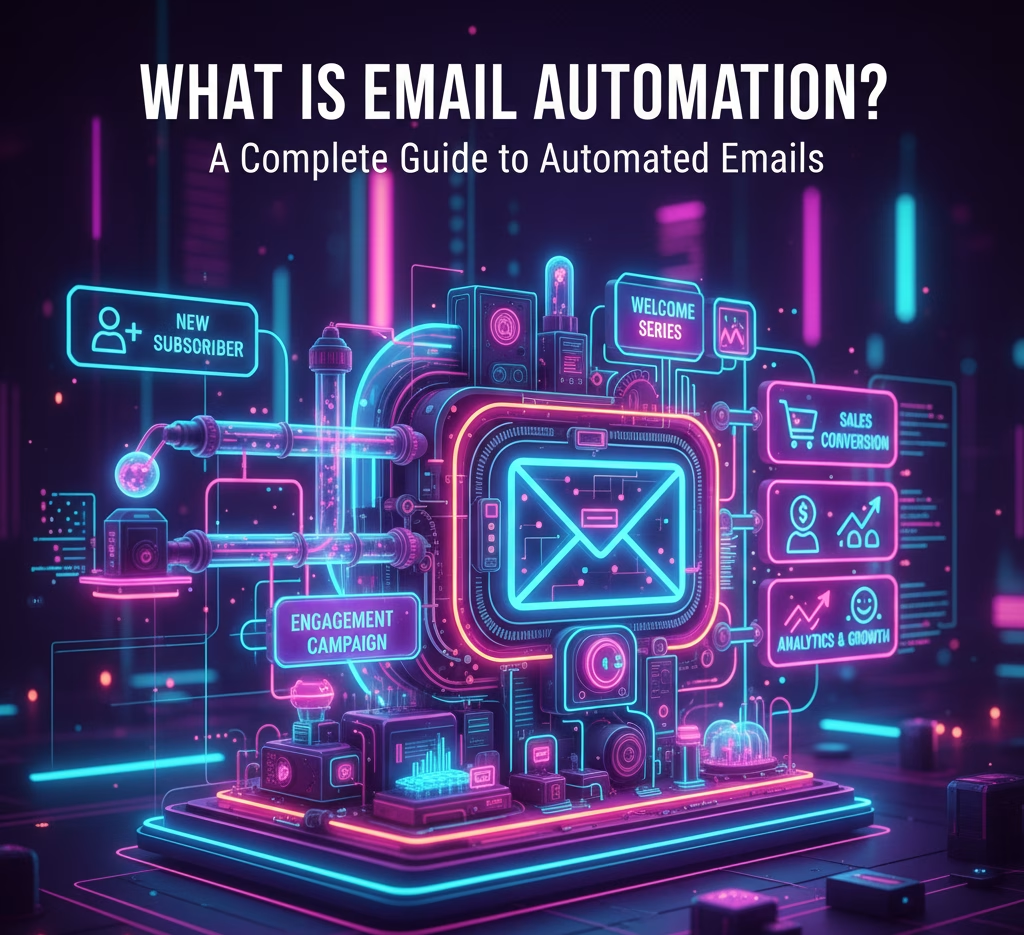
In recent digital times, email marketing has become a top marketing priority for businesses of all sizes. It’s because they now need smarter ways to reach their target audience without spending valuable hours on repetitive tasks.
That’s where email automation steps in.
With numerous useful and user-friendly email automation tools available, it also has become more accessible than ever.
But how exactly does email automation work? Why should businesses make it part of their marketing toolkit? This post will take you behind the curtain of email automation in action.
Let’s dive deep into the essentials.
What is Email Automation?
Email automation refers to the process of sending targeted emails to subscribers or customers automatically. These emails are pre-scheduled and are based on specific triggers or actions.
Businesses can use an email automation service or platform to streamline communication. For instance, when someone subscribes to their list, they automatically receive a welcome series email without having to lift a finger.
With email automation, businesses achieve many goals. This includes:
- Lead nurture
- Improved engagement
- Saving time
- Higher conversions
- Personalized customer experience
- Consistent communication
- Scalability
- Better insights and analytics
Significance of Email Automation

You may wonder why email automation is so important in today’s digital-first world, especially for modern businesses. Email marketing is a very personalized, inexpensive way of reaching your target customers. It seamlessly informs people about your fairings while keeping them engaged on different platforms.
Email automation significantly saves time and resources for the businesses. They don’t need to send 1,000 manual emails every week. They just have to set up workflows once and let them run while they focus on growth.
Automated emails not only save time but also make your communication smarter. Instead of blasting the same newsletter to everyone, you’re sending targeted, behavior-based messages that feel relevant and valuable.
You also get to reach mobile users with your emails, the same way you can reach desktop users. Email marketing automation is gaining popularity as cookie-based targeting and privacy rules become more restrictive.
Campaigns for emails give a decent return on investment when appropriately implemented . The systems ensure that your company emails land in the same inbox just like your customer’s personal messages, connecting with them emotionally.
Still not convinced? As personalized emails are more relevant, they prove to be more effective than any other kind of marketing communication.
Automated emails can be generated (triggered) by specific customer actions, and made to appeal to their interests (sometimes, right where they left your website), driving more online and in-store sales with discounts and promotions.
Reach out to us for the proper implementation of email automation tailored to your business needs. The time to convert more leads is now!
How Does Email Automation Work?

The general process of email automation remains the same, while each tool works in its own different way. Have a look:
- Firstly, a user visits a website. He then downloads an e-book, fills out a form, and so on.
- He has been added to the email marketing database.
- This record is placed into different audience segments that are based on their demographics, interests, and behaviors.
- The digital marketer crafts an email campaign. They set everything including the rules, triggers, create the drip campaign, schedule the emails, and more.
Together, these steps ensure subscribers receive personalized, timely, and relevant communication that boosts conversions.
Best Practices: How to Automate Emails Effectively

Although email marketing offers many benefits to modern businesses, it comes with certain dos and don’ts. The numerous irrelevant commercial messages popping up every now and then frustrates them. Even then, they get plenty of them.
To avoid such situations, follow these best common email automation practices:
1. Send a Welcome or Confirmation Email
When someone signs-up, send a quick confirmation or welcome email. It re-assures them you got their sign-up and starts building the relationship.
2. Schedule Emails Smartly
Use time zones and analytics to send emails when your audience is most active. Tools like Mailchimp share data on the best times to send, giving you a head start.
3. Segment Your Audience
Group contacts by location, behavior, or interests to personalize emails. For example, invite only Californian contacts to your California event, rather than sending invitations to everyone.
4. Focus on Quality Contacts
Strong results come from a clean, engaged list. Use double opt-ins, remove unresponsive users, and keep your database full of people who genuinely want to hear from you.
5. Provide Value, Not Just Sales
Don’t push sales in every email. Share tips, stories, or resources that educate and entertain. A CTA can still be there, but value should come first.
6. Make Unsubscribing Easy
Respect your subscribers’ choices. A simple opt-out keeps your list healthier and ensures you’re only reaching interested readers.
7. Test Before Sending
Always test for broken links, images, or spam triggers to ensure a seamless user experience. A/B test subject lines, layouts, and CTAs to see what drives the best engagement and conversions.Pro Tip: Keep it human. Even though it’s automated, your tone should be personal and conversational.
Types of Automated Email Campaigns

For better understanding, we’re listing common types (examples) of automated email campaigns that businesses use today:
- Cart abandonment emails: When a customer fills the cart but doesn’t buy items and leaves the site, automated emails gently nudge them back to complete the purchase.
- Anniversary or birthday emails: These email messages deliver a thoughtful, personalized touch that builds customer loyalty and mutual trust.
- Re-engagement emails: These emails are designed to win back subscribers who have become inactive. These are sent as wake-up calls for dormant relationships with text like “we miss you.“ Such warn phrases or special deals entice inactive customers to turn to your brand with a fresh mindset.
- Welcome emails: These messages build the best possible first impression. Automated welcome emails are an impressive way to greet new subscribers. These texts often include a discount or brand introduction.
- Drip email campaigns: This refers to a sequence of emails sent over a period of several days or weeks. Their objective is to nurture leads towards conversion.
- Post-Purchase Emails: Order confirmations, thank-you notes, or product recommendations sent after a purchase is made.
Each of these campaigns runs on autopilot, saving time while improving customer relationships.
Benefits of Email Automation
If you’ve ever received a welcome email after signing up for a newsletter or a cart reminder when you forgot to check out, you’ve already experienced automated emails in action.
- Saves Time and Effort: The biggest benefit is, instead of manually managing thousands of emails, automation takes care of the routine work.
- Personalized Customer Experience: Automated emails can address customers by name, tailor product suggestions to their preferences, and adapt to their behavior.
- Higher Engagement and Conversions: Sending the right message at the right time boosts open rates, clicks, and sales.
- Consistency in Communication: No more missed follow-ups or irregular updates – automation ensures consistency.
- Scalability: Whether you have 100 or 100,000 subscribers, email automation grows with you.
Choosing the Right Email Automation Tool
The following list can help you choose from some popular email automation services:
- Mailchimp: It’s a user-friendly tool that’s great for beginners.
- HubSpot: HubSpot is perfect for inbound marketing integration.
- ActiveCampaign: It’s a fine blend of advanced automation and CRM features.
- ConvertKit: It’s a popular platform among creators and bloggers.
- Klaviyo: Klaviyo is designed for e-commerce brands.
Pro Tip: Look out for some crucial factors while selecting a tool, including ease of use, integrations with your website or CRM, reporting features, and pricing.
Wrapping it Up – Let Email Automation Do the Work for You
So, what is email automation? It’s your automation tool (resource) that works like your digital assistant around the clock. It is programmed to send automated email messages to engage your customers, nurture leads, and boost sales.
Email automation tools cover a wide range of types of email generation. From welcome emails to re-engagement sequences, abandoned cart notifications to order confirmation emails, email automation has got you covered.
It covers all sizes of communication more effectively while saving you time and resources. So, if you haven’t implemented it yet, start – even starting small, like creating a welcome series or simply cart abandonment reminder, will benefit you. Learn and watch your business grow with its help.
Beyond just being a marketing automation tool, it has become a necessary strategy for long-term growth. You’ll naturally scale up once you see the results.
Frequently Asked Questions About Email Automation
Customer attention spans have shortened more than ever before. Email automation proves to be one of the most effective ways to ensure brand consistency while affirming its timely and memorable.
1. What is email automation in simple terms?
Email automation is the process of sending emails automatically to your subscribers or customers based on specific actions, like signing up, making a purchase, or leaving items in their cart. It saves time while keeping communication relevant and consistent.
2. How does email marketing automation work?
Email marketing automation works by using triggers (like sign-ups, clicks, or purchases) and workflows built into an email automation service. Once a user takes an action, the system sends the correct email automatically without manual effort.
3. What are examples of automated email campaigns?
Common automated email campaigns include welcome emails, cart abandonment reminders, birthday greetings, re-engagement emails, drip campaigns, and post-purchase follow-ups. Each campaign is designed to nurture customer relationships.
4. What is the best email automation service for beginners?
For beginners, Mailchimp and ConvertKit are user-friendly options. Businesses that need advanced features might prefer ActiveCampaign, HubSpot, or Klaviyo. The best service depends on your business goals and budget.
5. Is email automation worth it for small businesses?
Absolutely! Small businesses benefit greatly from automated emails because they save time, increase customer engagement, and drive sales – all without needing a large marketing team. Even a simple welcome or cart reminder series can make a big impact.
6. Can automated emails feel personal?
Yes. With personalization features in most email automation services, automated emails can include the subscriber’s name, purchase history, or product preferences – making them feel like one-on-one communication.


