
A study published on ResearchGate found that approximately 94% of first impressions of a website are influenced by its design.
Whether you own a well-established business or a small operation, a strong website is crucial. It helps you compete in the online marketplace.
A smooth user experience is no longer a bonus; it’s the baseline. Compelling visuals, reliable content, and easy-to-use menus make the difference between a quick bounce and meaningful engagement.
The moment visitors find a confusing, slow, or outdated site, they won’t hesitate to leave.
If you’re not satisfied with your website’s current performance, it may be time to consider a redesign. In this post, we walk you through an essential website redesign checklist.
We aim to highlight all the important points you need to consider.
Let’s dive right in.
1. Pre-Redesign Planning: Set the Foundation

Begin with a firm foundation. First, remember your basic objectives. Examples include:
- Establishing a more mobile-friendly website
- Improving speed
- Rebranding
- Getting more leads
- Improving audience engagement
Use benchmarks from tools like Google Analytics to tie your goals to measurable KPIs. Your KPIs can be:
- 20% increase in traffic
- 15% bounce rate drop
- Doubled conversion rates
Then, use Google Analytics, Ahrefs, or SEMrush to audit your site thoroughly. Uncover issues such as broken links, sluggish performance, high bounce rates, or SEO gaps.
Supplement this with user feedback from surveys or Hotjar heatmaps to pinpoint weak pages and standout strengths. Benchmark against competitors by dissecting their sites for:
- UX innovations
- Storytelling techniques
- Design flair
Maintain a mobile-first approach. Also study standards like WCAG accessibility guidelines and Core Web Vitals for performance optimization. Document standout ideas with clear rationale, such as why a competitor’s mega-menu drives conversions.
Then, you need a site map. It should clearly show your content structure and any new pages you want to add. Then, sketch out low-fidelity wireframes to map the layout of each page – just the structure, no visuals or design details yet.
Factor in a realistic budget covering design, development, hosting, and promotion, plus a timeline with testing buffers.
Loop in stakeholders early for alignment. Finally, outline your SEO plan: prep 301 redirects to safeguard rankings, prioritize migrating top content, refine copy to match your brand voice, and target keywords strategically.
2. Design Phase: Focus on User-Centric Aesthetics
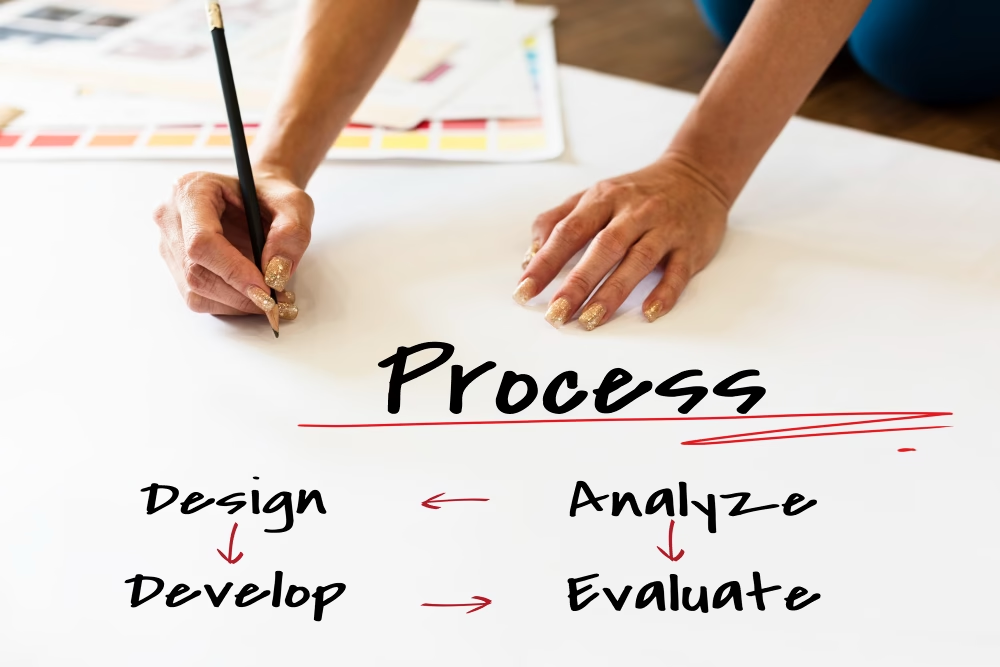
Captivate your audience by prioritizing UX, which creates a stronger impact. Focus on blending strong visuals with seamless functionality.
This ensures every element feels aligned throughout the design process. To keep everything aligned during the design process, develop clear brand guidelines — covering fonts, colors, logos, taglines, and tone.
Build user personas based on your audience’s demographics, behaviors, and pain points, then map their journeys to streamline navigation and solve frustrations, like simplifying checkout for e-commerce users.
Embrace responsive design that shines across desktop, tablet, and mobile, leveraging frameworks like Bootstrap for adaptability.
Next, prioritize accessibility. Add alt text to images, use keyboard-friendly navigation, support screen readers, and select high color contrast.
Refresh content strategy by auditing and updating copy, images, and videos for SEO alignment. Optimal use of keywords, punchy bullets, short paragraphs, and strategic headings can also make a big difference.
3. Development Phase: Build and Integrate
Technical expertise plays a crucial role in turning web designs into a stable live website. Choose an appropriate platform or CMS based on your requirements, such as:
- WordPress (more flexible)
- Shopify (more e-commerce-friendly)
- A custom-developed one
Use image compression, code minification, SSL certificates, and firewalls to optimize performance. Integrate necessary tools, including Google Analytics tracking, HubSpot CRM, contact forms, chatbots, and payment gateways (when needed).
To have a strong SEO base, you need:
- Meta tags
- Schema markup
- XML sitemaps
- Clean permalinks
- Mobile-first indexing
- Canonical URLs
Code custom features using dynamic APIs or interactive tools. You can accomplish this using Git for version control and frequent backups of your legacy site.
4. Testing Phase: Iron Out the Kinks

Thorough preparation is essential to ensure a smooth launch. Test across browsers such as Firefox, Chrome, and Safari. Also, check all links, forms, buttons, and integrations on all devices.
Run performance tests with Google PageSpeed Insights or GTmetrix, aiming for load times under 3 seconds. Conduct usability sessions with real users to confirm intuitive flows and squash errors.
Audit for SEO and accessibility using Lighthouse or WAVE, and scan for security flaws with OWASP ZAP. Rally your team – designers, developers, and stakeholders – for a final sign-off.
5. Launch and Post-Launch: Time to Go Live and Monitor

At this stage, focus on a smooth rollout and ongoing monitoring. Set 301 redirects, update DNS, and notify your users of brief downtime. Then, soft-launch on a staging site to make any last-minute tweaks.
Announce the relaunch across all relevant platforms. This can include email lists, social channels, and press releases. Also, update Google Search Console and submit your fresh sitemap.
Do the following post-launch:
- Monitor KPIs closely
- Triage issues promptly
- Run A/B tests on elements like CTAs or hero layouts
Optimization resources such as WordStream can help support these efforts. To keep your site thriving long-term, institute a maintenance rhythm with routine updates, backups, security sweeps, SEO tweaks, and content refreshes.
Avoid common web design mistakes to prevent future disruptions. By following this checklist, you can create a website that not only looks great but also delivers measurable results for your business.
Need Expert Guidance?
We hope this website redesign guide helps you plan and execute your redesign effectively. If it’s planned properly, it can be a game-changer for your business.
If you’re planning a website redesign, professional guidance can help, and Straight4Ward Consulting & Marketing would be happy to assist.
Our expertise includes strategic website redesign focused on achieving measurable results. Discuss what your website needs with us.